How to nDBANK
Some chips like the STM32F767 are bringing nDBANK drama into our lives.
New Way: Windows Command Line DFU Scripts
We have Windows batch scripts in the console\STM32_Programmer_CLI\bin folder
- Switch to DFU mode with button or rusefi_console.exe or in TunerStudio "reboot to DFU".
- Invoke
stm32-reset-nDBANK.bat stm32-full-erase.batstm32-flash-dfu.bat
Old Way: GUI Application via DFU or SWD
TODO: try https://github.com/danielinux/stm32f7-dualbank-tool
At the moment we only know how to deal with it via Stm32CubeProgrammer
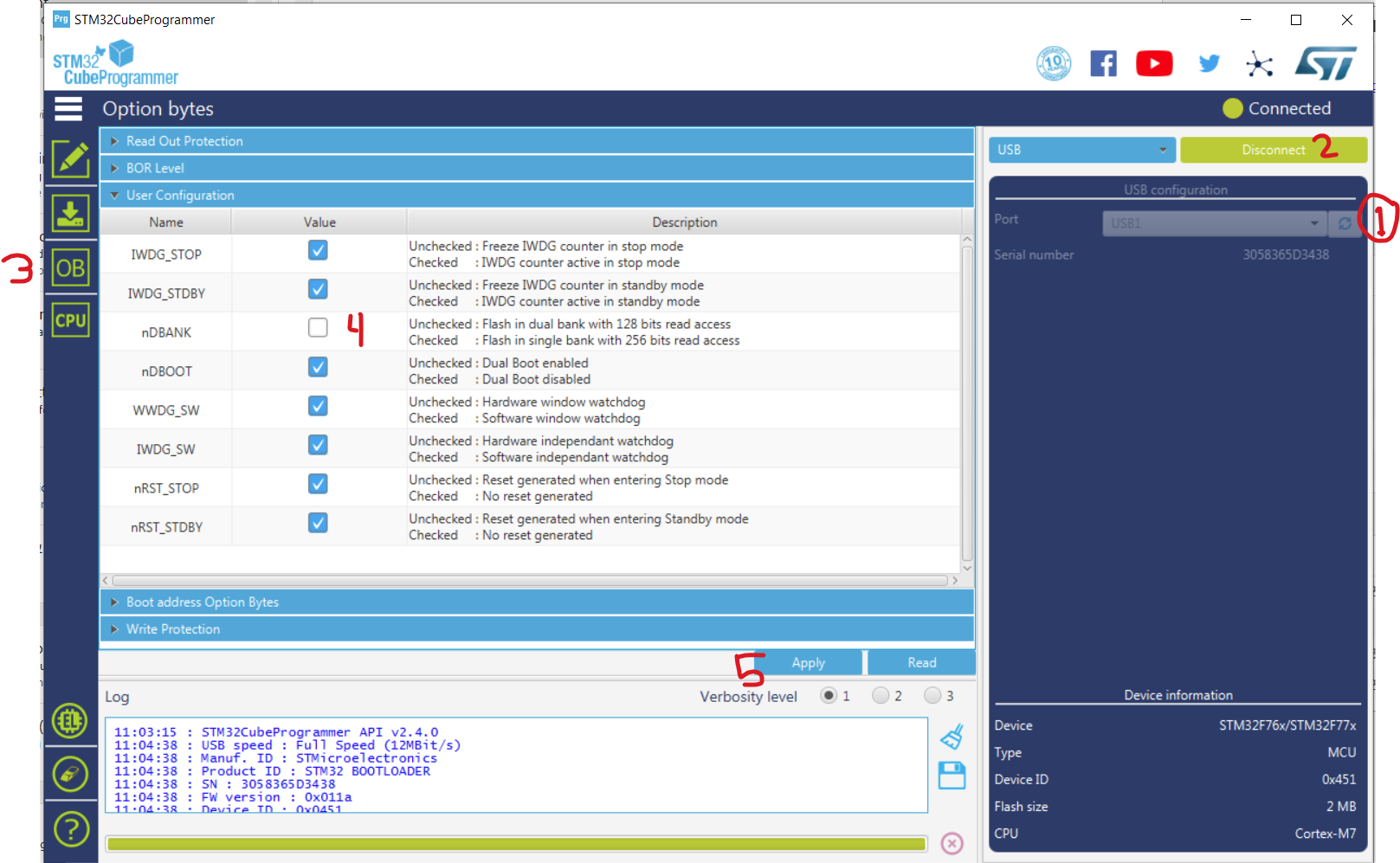
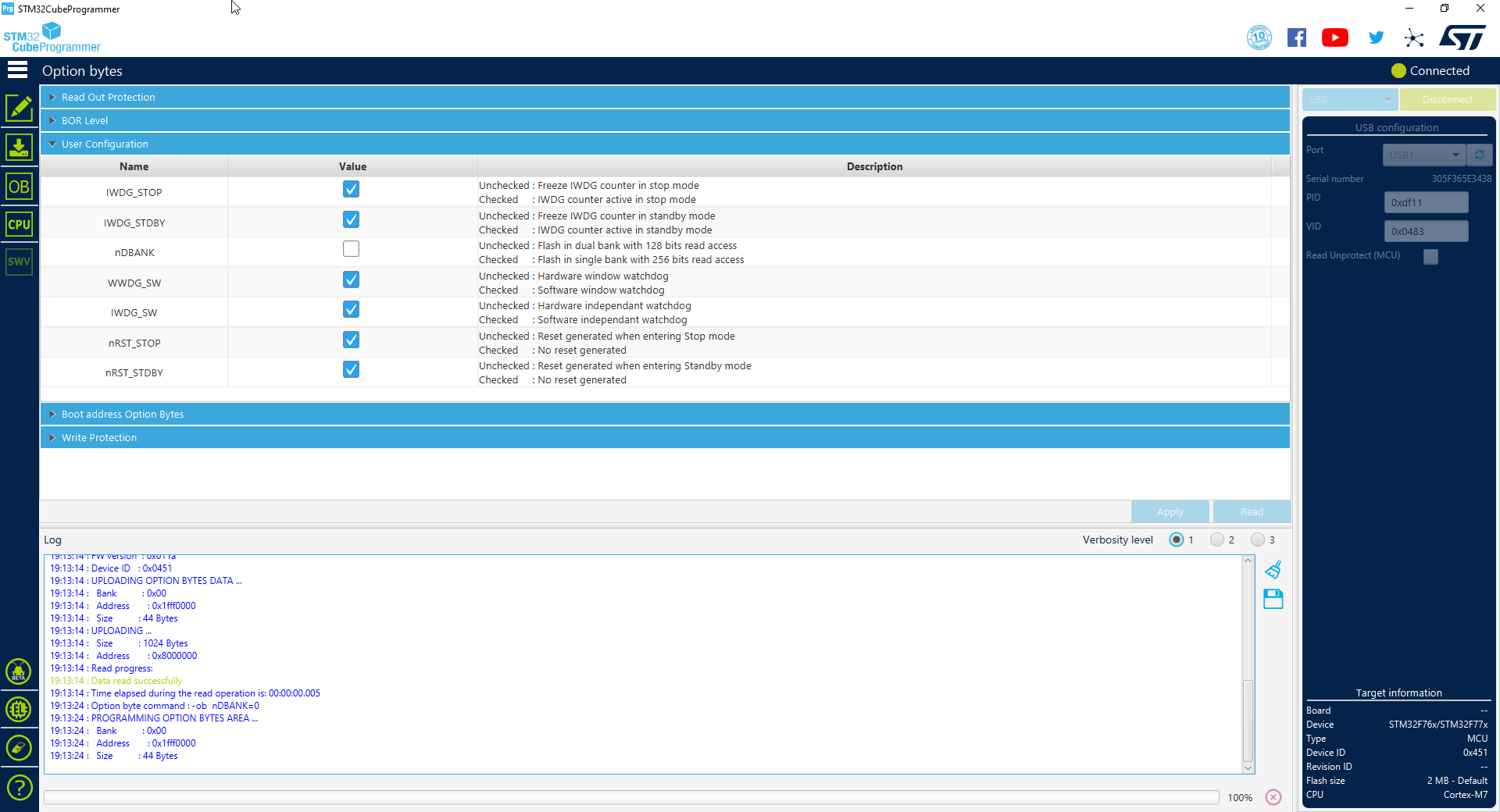
https://github.com/rusefi/rusefi_external_utils/ has a backup copy of en.stm32cubeprg-win64_v2-7-0.zip.