F7 Requires Full Erase
While most rusEFI units support incremental firmware update while keeping settings intact, we are facing an unexplained issue with some F7 Proteus units. Those units require a full erase prior to software update.
OpenBLT Approach
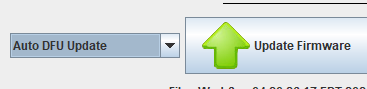
Older approach before OpenBLT
-
Enter DFU using one of these options:
- In rusEFI console, use "switch to DFU mode"
- Open the case, power the ECU while holding the "PROG" button to enter manual DFU
-
In rusEFI console, use "Full Erase Chip"
-
Manual DFU programming using rusEFI console as usual